Quick Start Guide
This is a walkthrough of key elements from an example game. Please refer to the Rules page for a complete, in-depth guide on how to play the game.
1 Game Setup
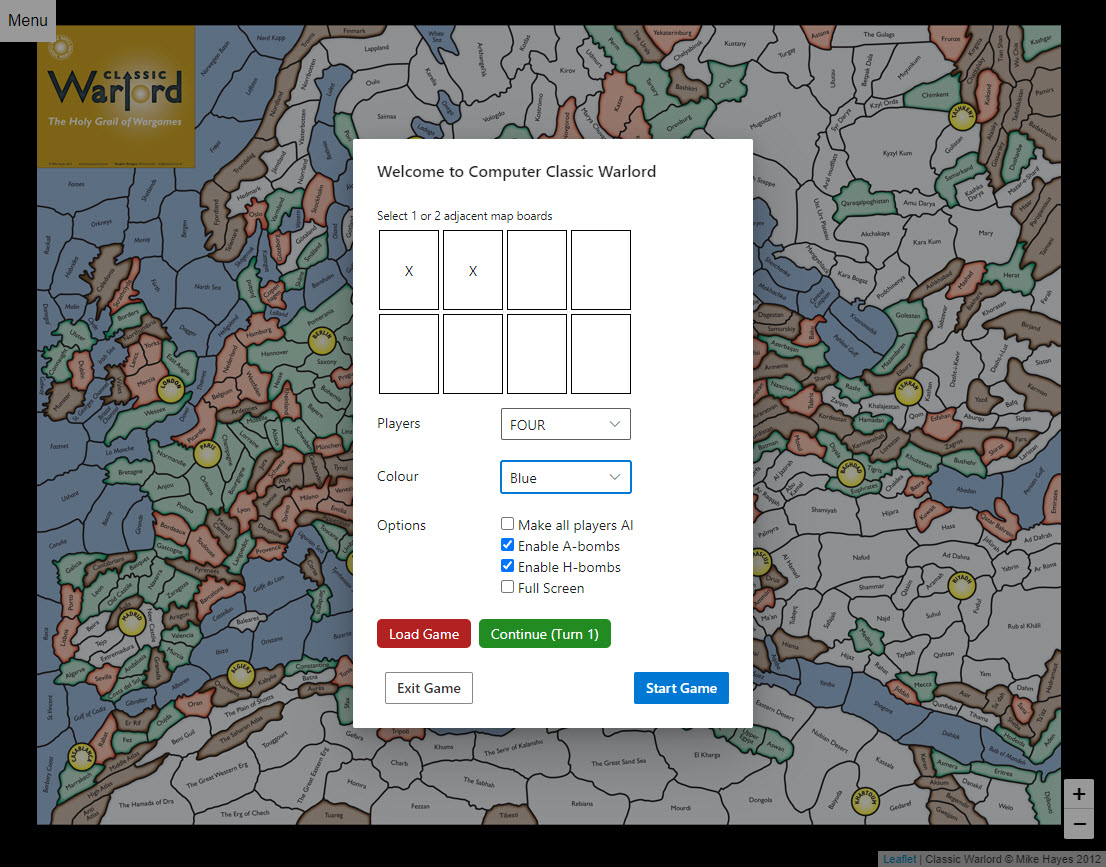
- Click the boards you want to use (choose 1 or 2 boards from the 8-board grid).
- Select the number of players (e.g., FOUR).
- Choose your commander colour (e.g., Blue).
- Click the 'Start Game' button to enter the lobby.
2 Claim Your Bases
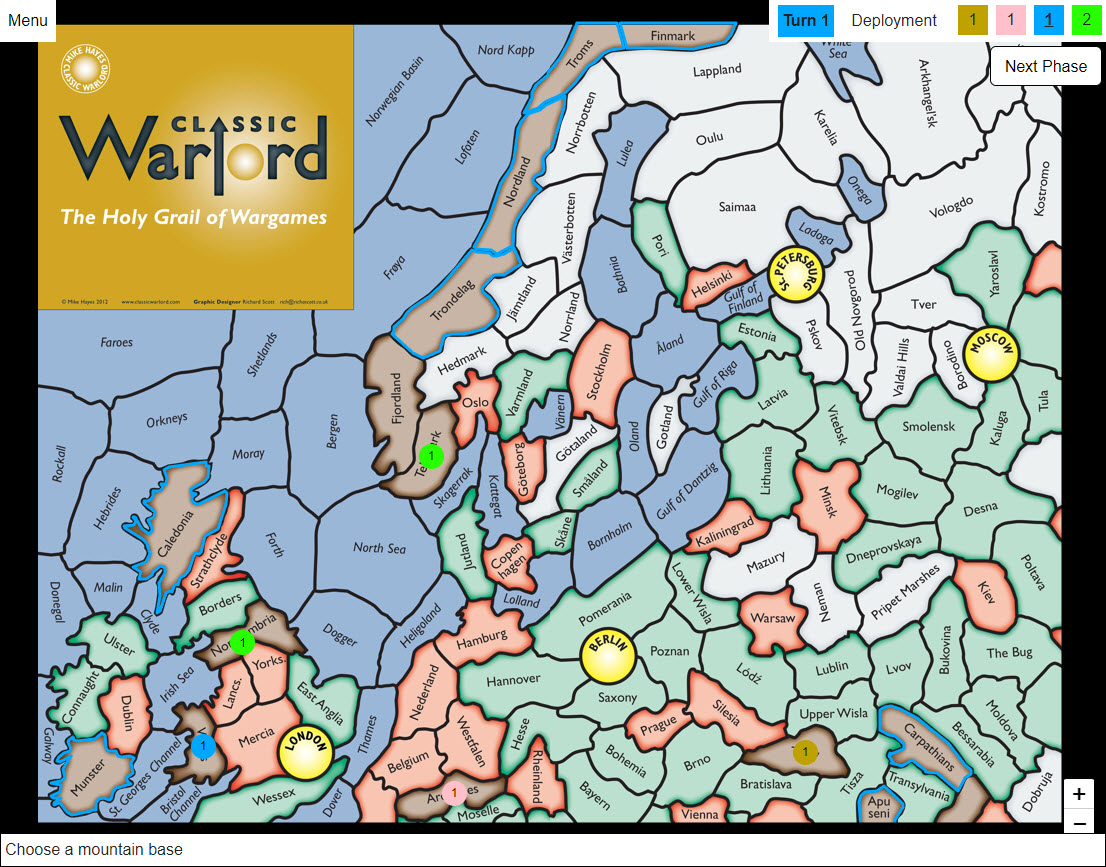
Select mountain regions to serve as your initial bases. The borders of available (non-adjacent) mountain regions are highlighted in your player colour.
Players take turns selecting one region at a time until no more valid regions are available.
Once all bases are placed, the main turn sequence begins. Each player's turn is divided into phases: Bomb Launch, Production, Movement, and Attacks.
3 Production Phase
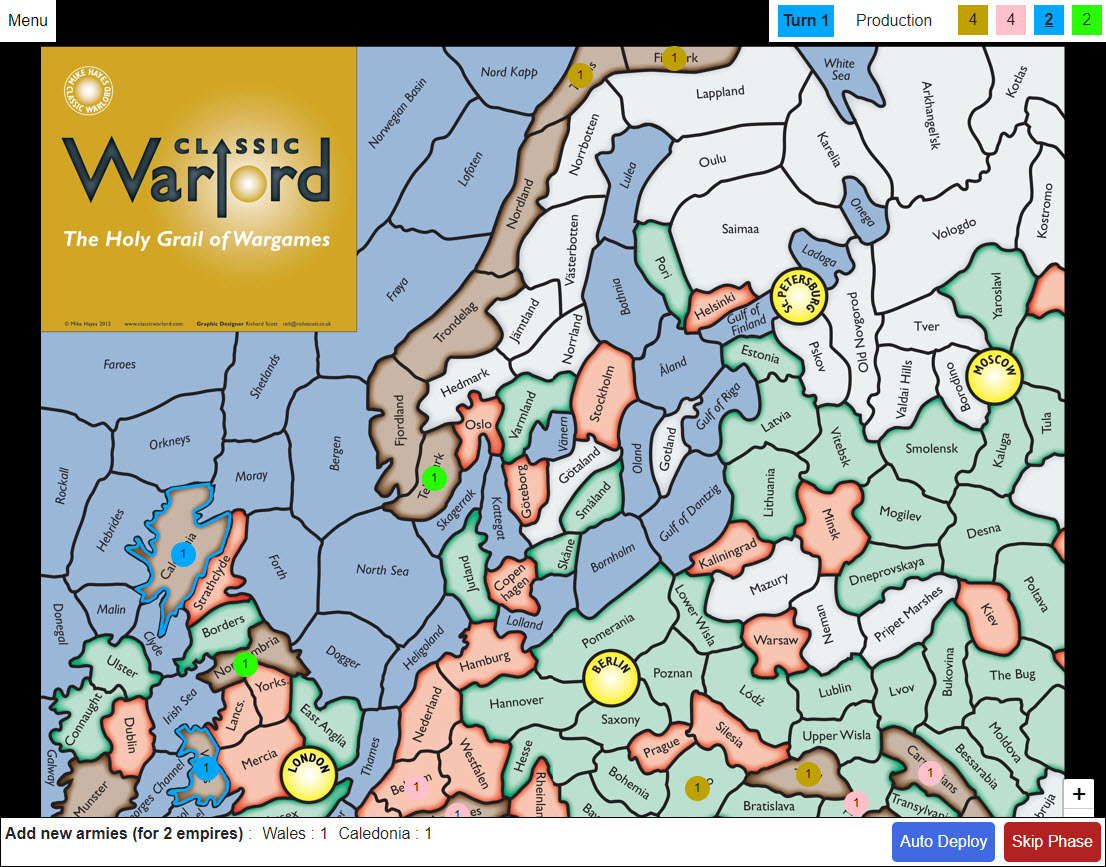
Each group of connected regions you own forms an Empire and generates production based on the number and type of regions it contains.
The bottom of the screen lists your empires and the number of armies available to deploy for each.
On the first turn, you can click the Auto-Deploy button to easily place one army in each of your mountain base regions. In later turns, click on highlighted regions to manually distribute your armies.
4 Movement
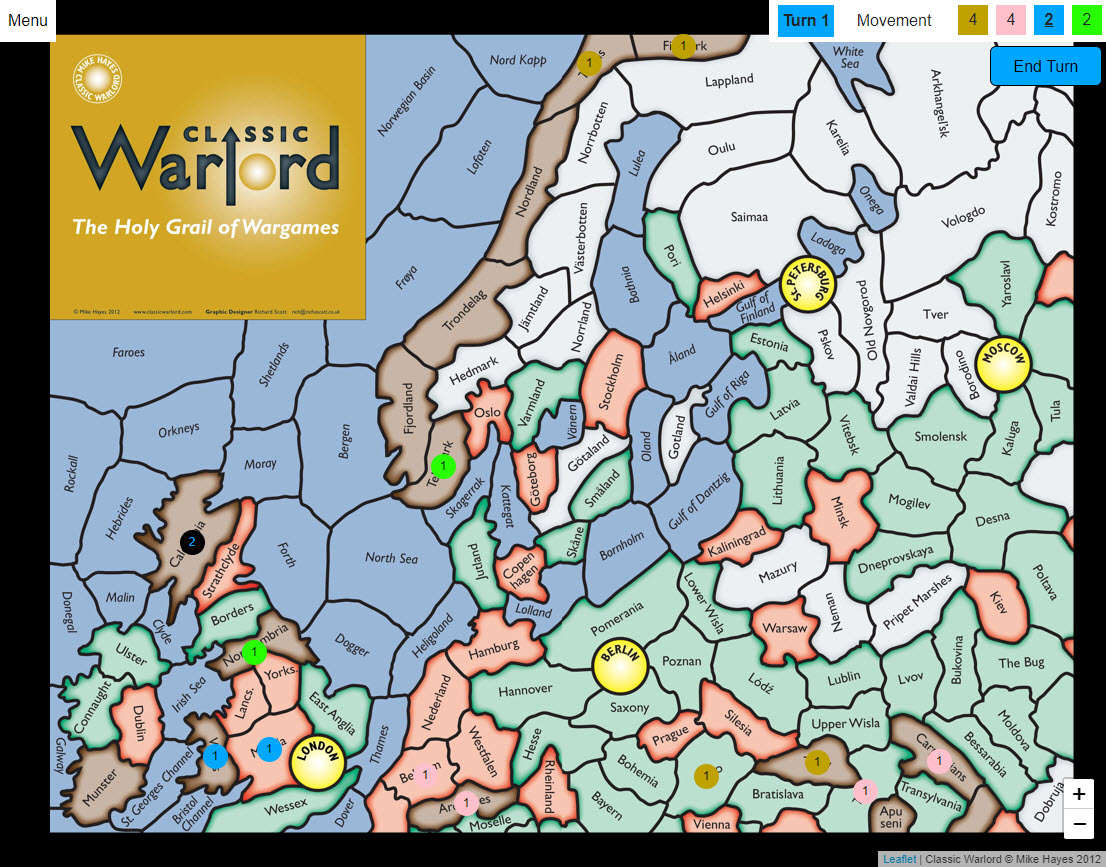
You can move armies from one of your regions to an adjacent friendly or neutral region, but you must leave at least one army behind to hold the original region.
Click on the region you want to move from, then click on the destination region. Finally, select the number of armies to move using the pop-up dialog.
5 Attacks
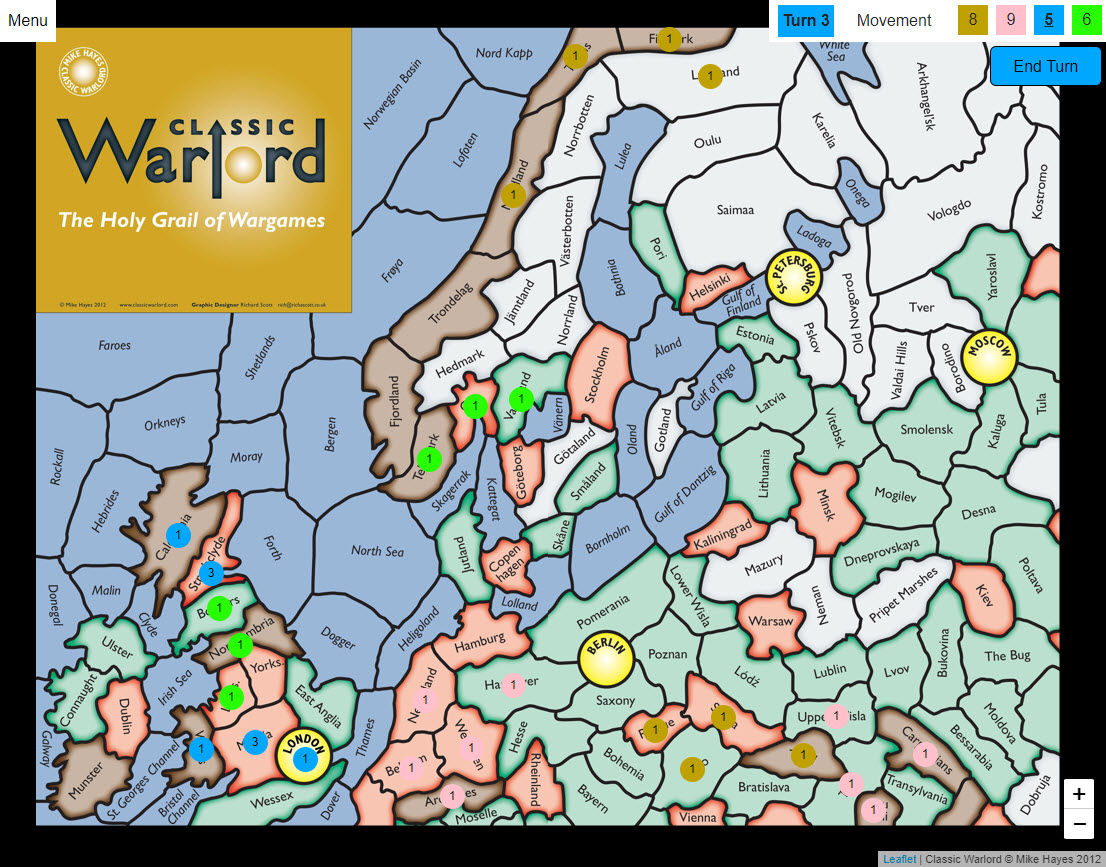
During the movement phase, you can launch an attack against an opponent's adjacent region, provided you have at least two armies in your attacking region.
6 Initiate an Attack
Click your region, and then click an enemy region to attack it. You will be prompted to secretly choose the number of armies to commit to the attack.
Note: Different terrain types impose limits on how many armies you can attack or defend with—see the full rules for details.
7 Resolving an Attack
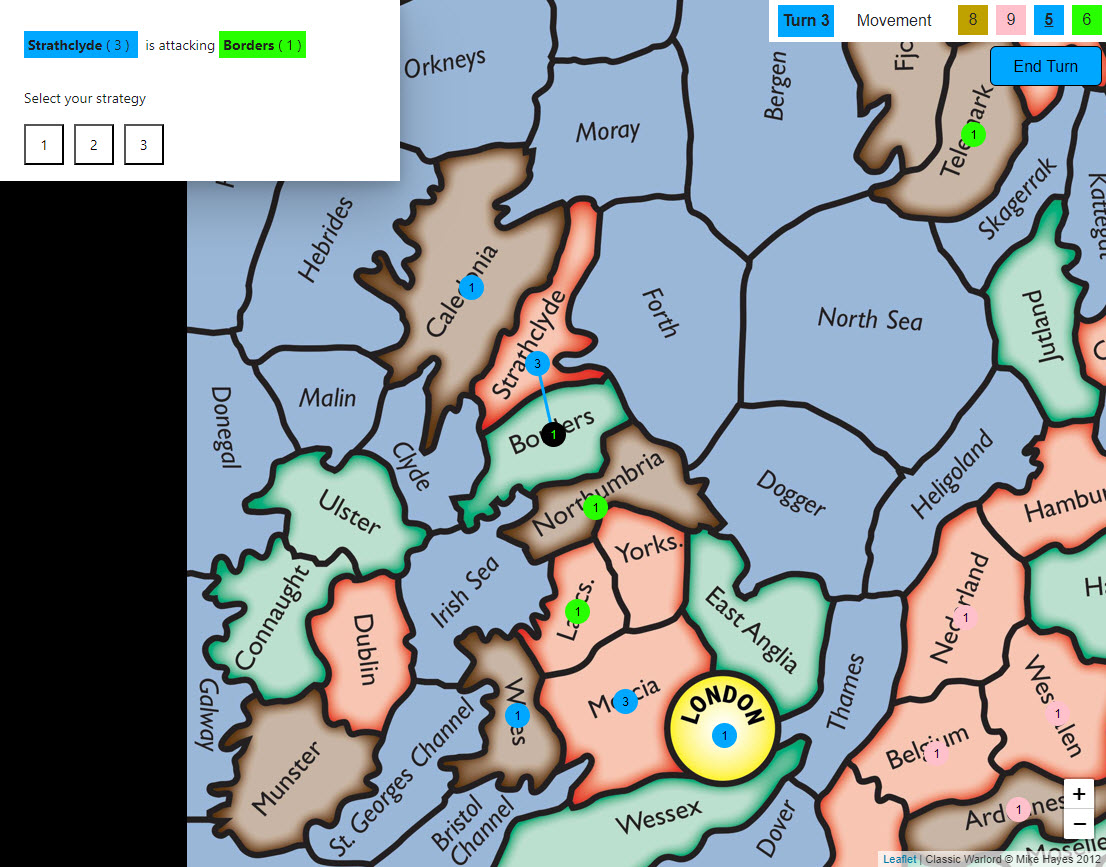
After an attack is initiated, the defender must try to guess the exact number of armies the attacker committed.
If the defender guesses correctly, the attacker is defeated and loses that number of armies.
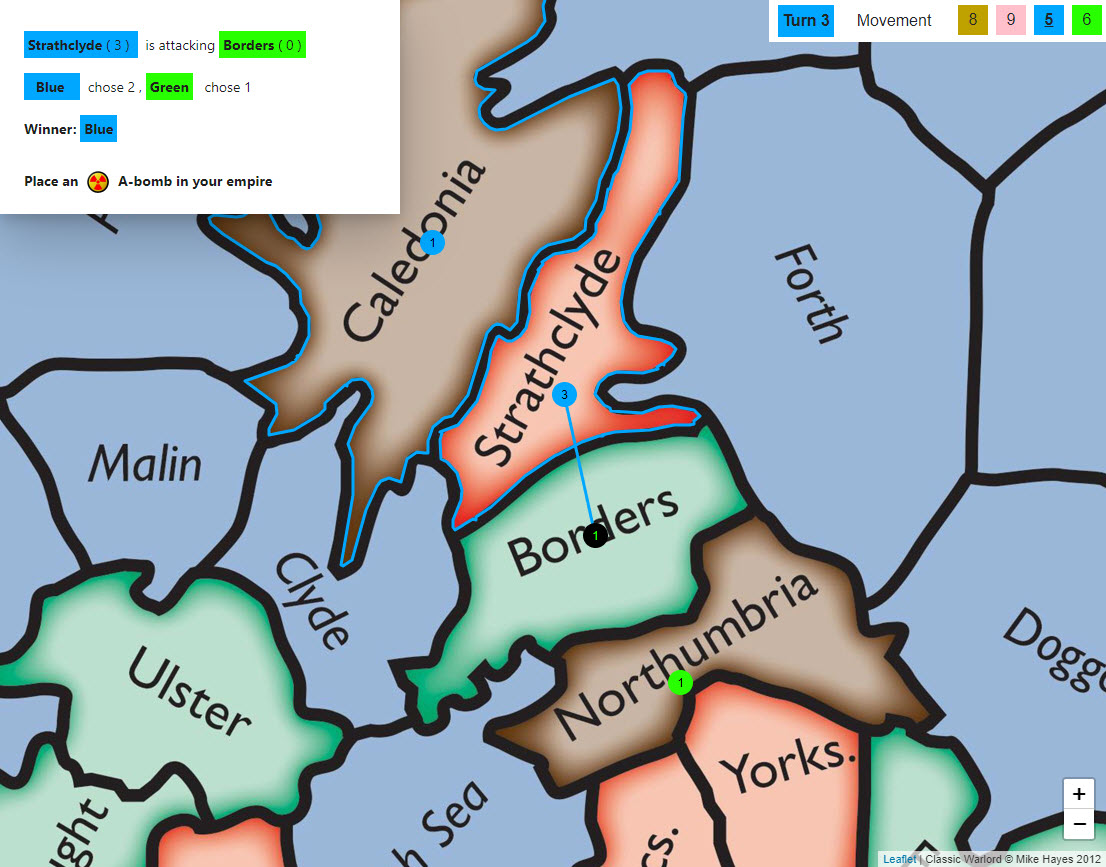
If the defender guesses incorrectly, the defender loses one army, and the attacker earns an A-bomb to deploy in their empire.
8 Capturing Regions
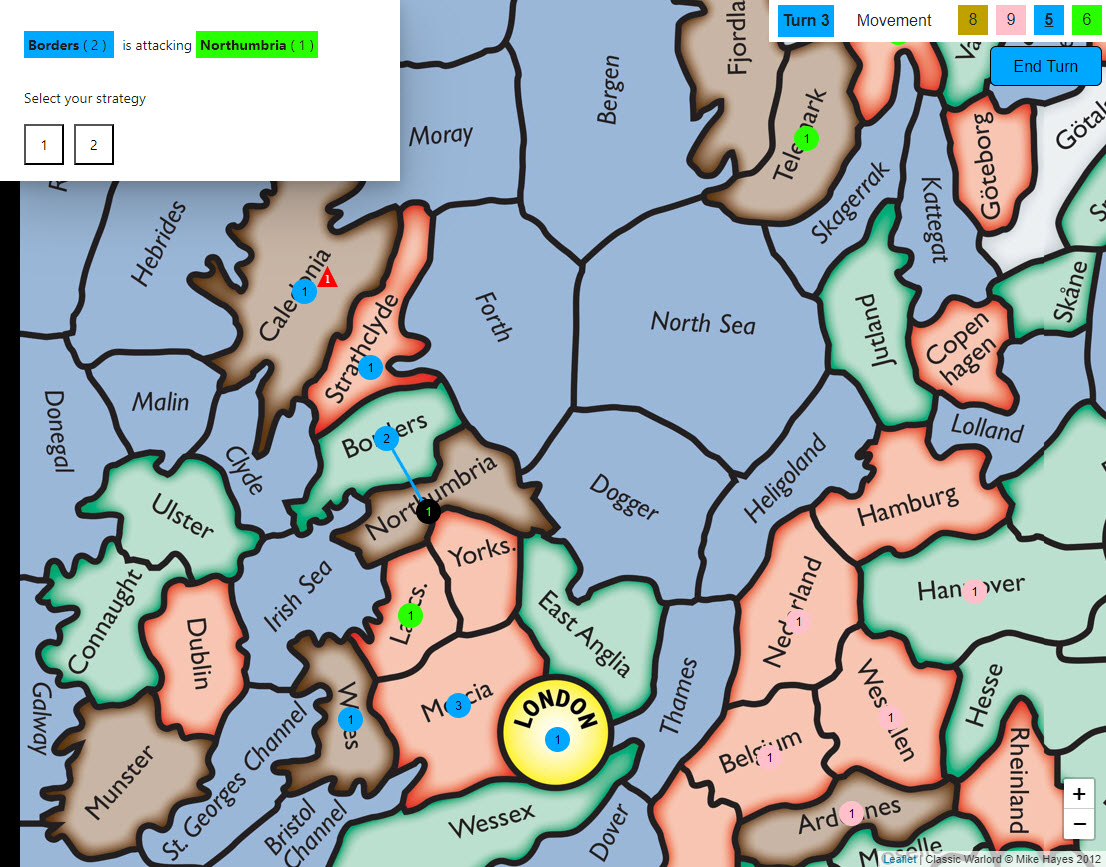
If an attacker successfully eliminates all defending armies in a region, they capture it and automatically move their committed attacking armies into that new region.
Multiple attacks and movements can be made in any order during the movement phase.
9 Deploying Bombs
A-bombs earned from successful attacks are immediately placed within the empire that launched the attack.
Placing an A-bomb directly onto a region that already contains an A-bomb will upgrade it, increasing its blast radius and range.
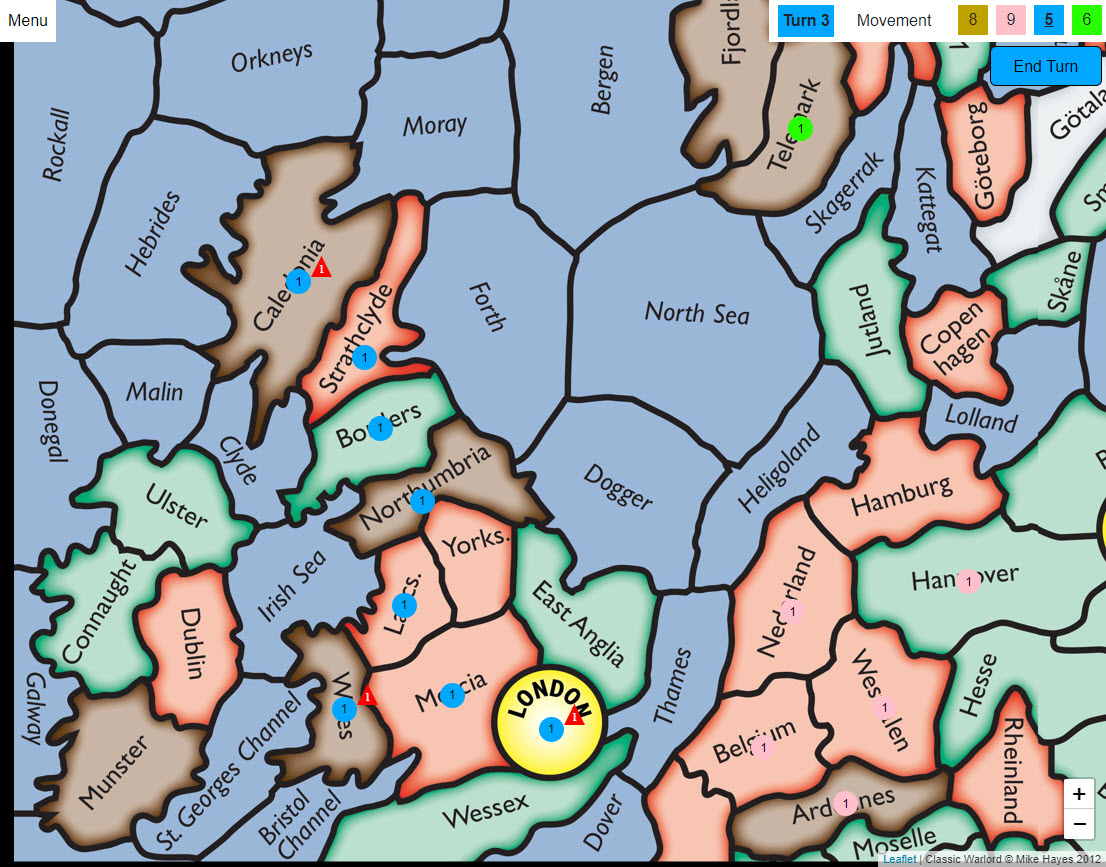
10 Amphibious Attacks
When attacking a land region from the sea (an amphibious assault), the defender is at a disadvantage and gets two guesses to deduce the attacker's committed armies.
Be sure to check the rules for full details on how sea regions affect combat.
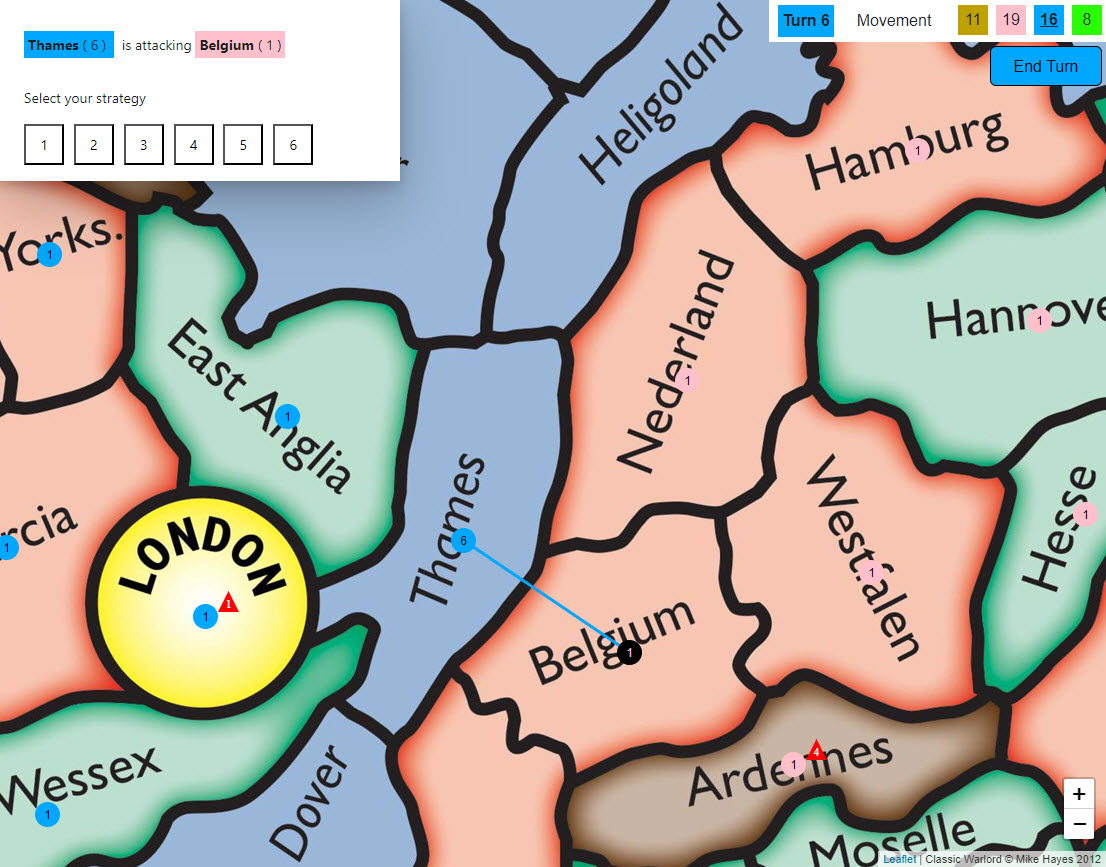
11 Tactical Example
In this example, Blue (the human player) is attacking Belgium to capture an exposed A-bomb in the Ardennes.
If the Ardennes bomb is not captured or neutralized, Pink could launch it at Britain on their next turn, causing devastating damage to Blue's infrastructure.
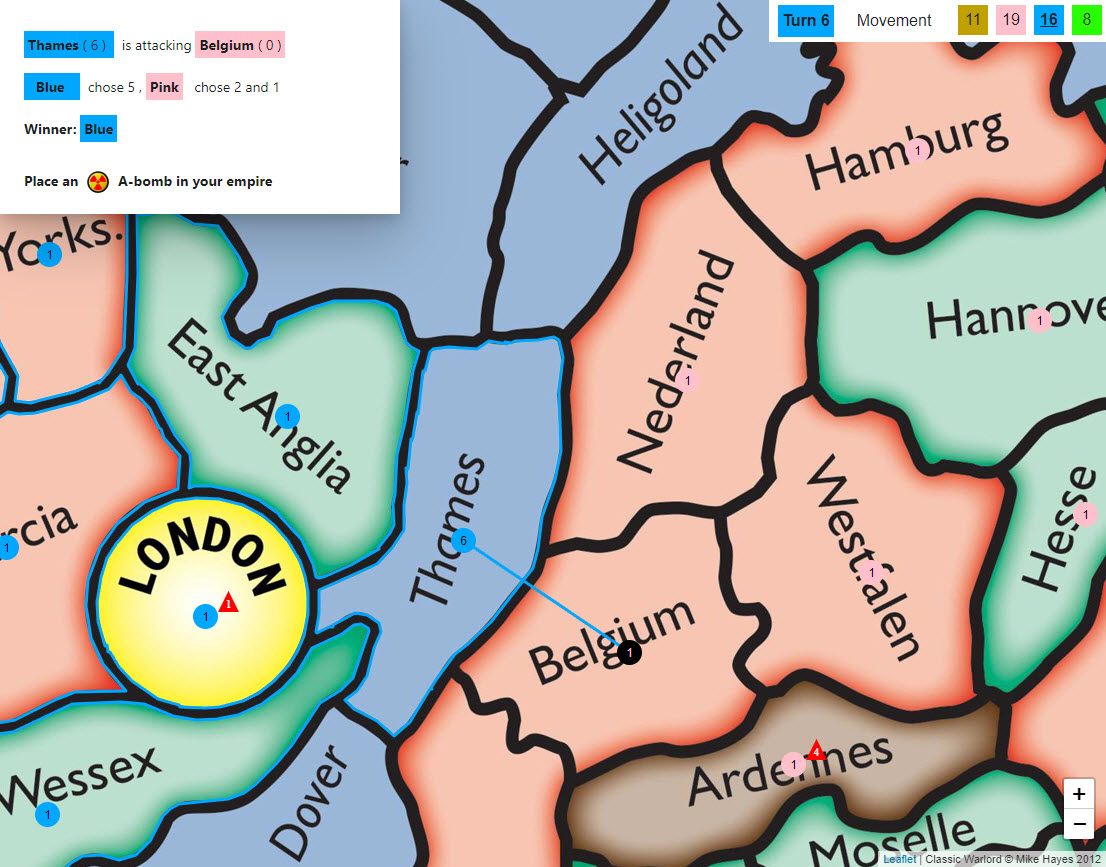
12 Ending Your Turn
Blue successfully captured the Ardennes, ensuring Britain is secure for the moment.
When you have completed all your desired movements and attacks, click the 'End Turn' button to pass play to the next commander.
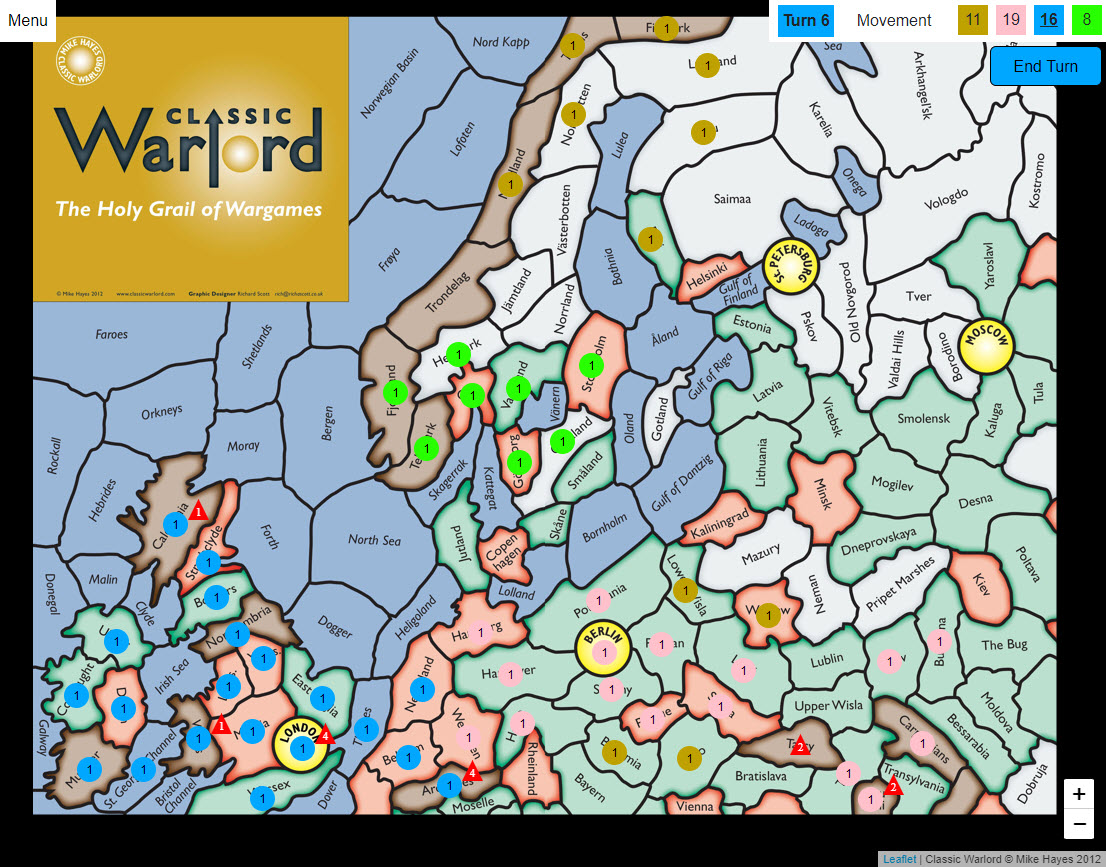
13 Launching Nuclear Strikes
Later in the game, Pink has fought back by obliterating the Ardennes. It's time for retaliation.
To launch a bomb, click on one of your regions that contains an active A-bomb or H-bomb, then select a target region within its blast range.
Confirm the strike by clicking the 'Launch' button. As a bonus, after successfully launching an A-bomb, you receive a devastating H-bomb to place in your empire!
14 Ready for Battle!
You now know the basics and are fully prepared to command your forces in your first game of Classic Warlord Online.